
Your second-hand business deserves better than a spreadsheet.
The management software built for second-hand clothing resellers — thrift stores, vintage shops, consignment shops, professional Vinted sellers.
Stock, sales, consignment, clients and analytics in one workspace, built for unique pieces — not references sold in bulk.
Follow a Dior bag, from stock to sale
Every piece is unique. Your software should know it. 9 steps, one piece: watch EX ERP work in real time, from the first scan to performance analytics.
Every piece enters the stock
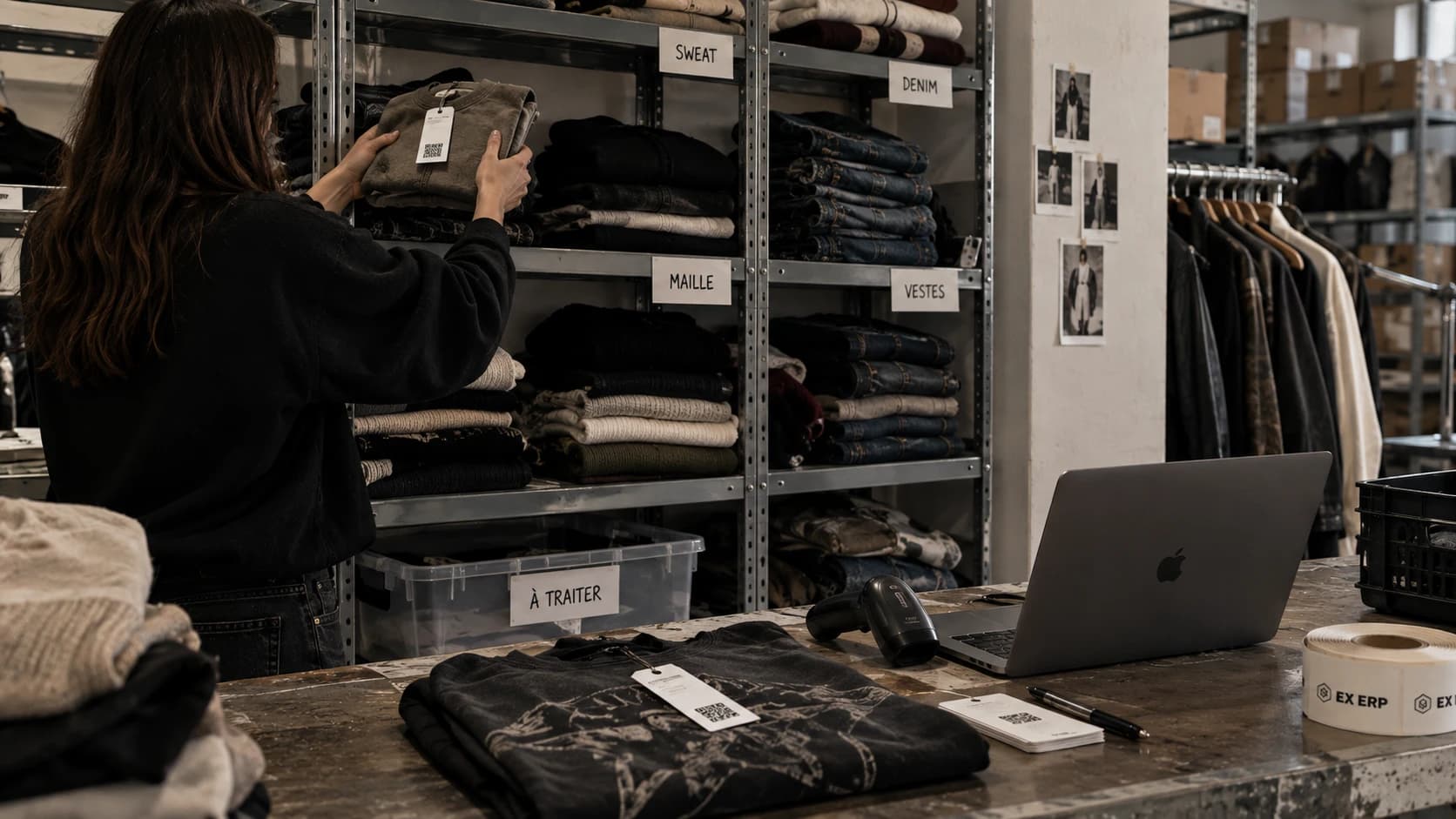
Excel import or manual entry: each row is recognized, the sheet is created automatically.
A complete product sheet
Photos, brand, condition, price, margin, location, tags: all the information in one place.
From product sheet to printed label
One click on the sheet: the label is generated then printed in Dymo format, ready to stick on.
Scanning, instant
The phone detects the barcode on the piece: the sheet comes up right away with every action at hand.
Find every piece in an instant
Search, filters, statuses, locations — the Dior bag, visible among the rest of the stock.
Tracked to the end
Received, authenticated, published, available — every step of the consignment is tracked.
Connected to your real data
Describe, estimate, write a listing: the assistant answers using the product sheet's information.
One click, everything updates
The status switches to Sold, the sale is created, revenue updates live.
The garment becomes data
Margin, share of revenue, most profitable brand: every sale feeds your statistics.
Every piece enters the stock
Excel import or manual entry: each row is recognized, the sheet is created automatically.
A complete product sheet
Photos, brand, condition, price, margin, location, tags: all the information in one place.
From product sheet to printed label
One click on the sheet: the label is generated then printed in Dymo format, ready to stick on.
Scanning, instant
The phone detects the barcode on the piece: the sheet comes up right away with every action at hand.
Find every piece in an instant
Search, filters, statuses, locations — the Dior bag, visible among the rest of the stock.
Tracked to the end
Received, authenticated, published, available — every step of the consignment is tracked.
Connected to your real data
Describe, estimate, write a listing: the assistant answers using the product sheet's information.
One click, everything updates
The status switches to Sold, the sale is created, revenue updates live.
The garment becomes data
Margin, share of revenue, most profitable brand: every sale feeds your statistics.
Stock, ventes, clients, agenda, messages, facturation, analyses… tout ce dont vous avez besoin pour piloter votre activité, réuni au même endroit.
Add items by hand or import a whole Excel file at once, with barcode labels and locations.
Excel/CSV → Import → Stock prêt
Sales, consignment, rentals and clients, all in one place.
Sale and rental invoices generated and numbered automatically.
Analytics, goals and a calendar to keep you on track.
Full customization, an AI assistant, team messaging (Multiple).
Selling is good. Knowing what actually pays off is better.
Your data isn't just for looking back — it helps you buy smarter, sell smarter, and plan your growth.
margin by brand, top 6
margin by acquisition source
dormant stock at 30/60/90/180 days, with its value
margin and average basket by channel
What sets us apart
Not another generic piece of software — a tool born from the second-hand business.
Designed specifically for vintage and pre-owned clothing resellers — not a generic ERP adapted after the fact.
Thousands of unique pieces managed without slowing down, in dense, fast lists.
Fewer tools, less data entry, more time to buy and sell.
Statuses, sizes, colors, locations, acquisition sources… 15 customizable fields, so it never forces your organization into a mold.
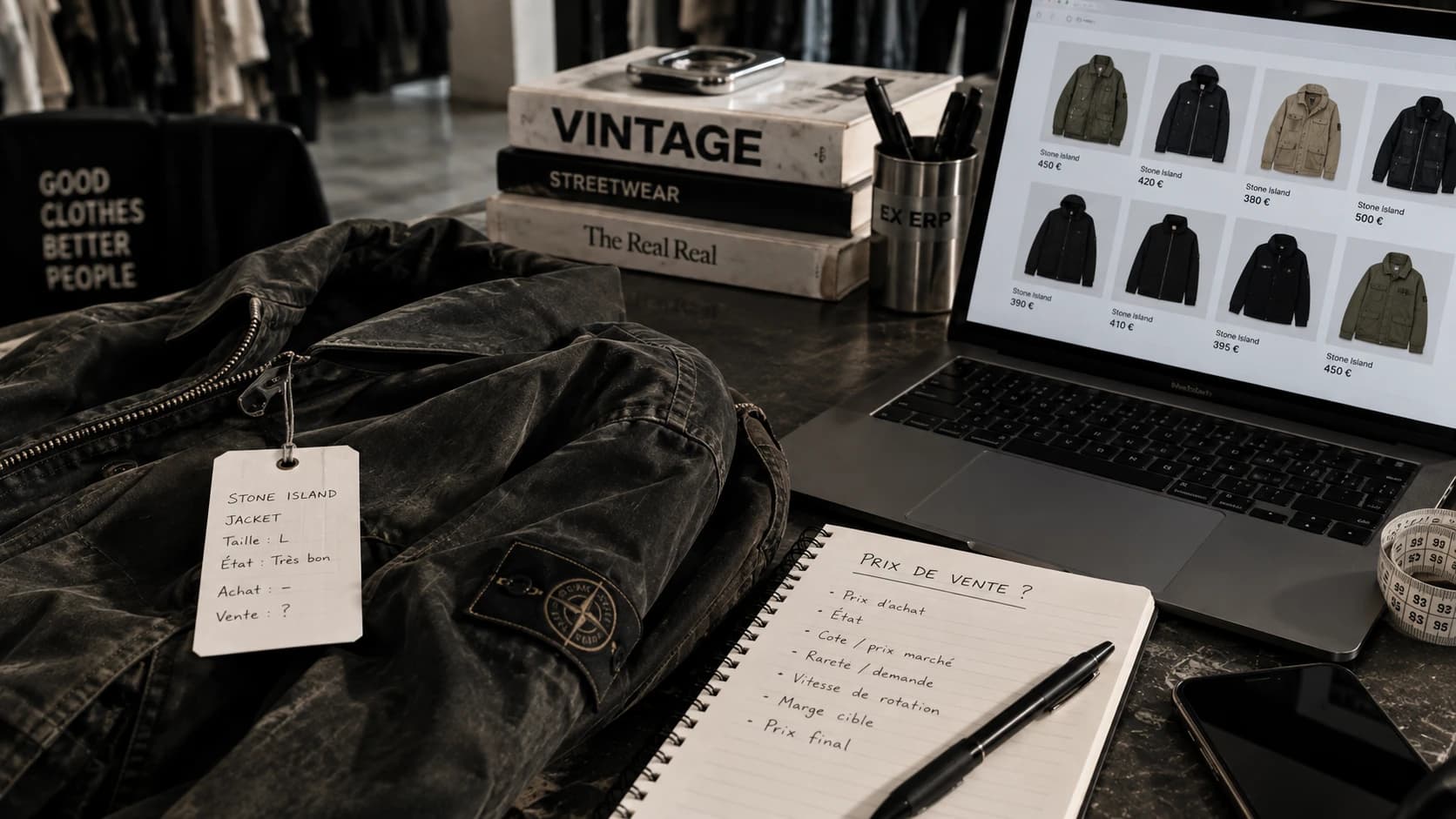
Find a number or a piece in one question, a suggested price based on your real history — always reading your data, never acting on it automatically.
One clear rate, no hidden tiers — you always know what you pay.
Two plans, one simple difference
EX ERP Solo to run one business. EX ERP Multiple to manage several companies and collaborate as a team.
You'll never be on your own
A full help center, and a real person on the other end when you need one.
One page per ERP screen, with annotated screenshots.
From your first import to your first sale.
Every step illustrated with a real capture of the ERP.
Answers to the most frequent questions.
A business assistant available everywhere in the ERP, on demand.
For Multiple plan teams: chat without leaving the software.
Not a call center — the person who built EX ERP, directly reachable.
Resources to help you run your business better.
Stock, margin, consignment, organization... Guides built from real problems encountered in the field.
Frequently asked questions
Everything you need to know before getting started.

Why I created EX ERP
EX ERP was born from a need I encountered in my own second-hand business.
For a long time, I ran my stock and sales with a simple Excel file. At first, it was enough. Then the stock grew, sales multiplied, and so did my business.
Finding a piece, knowing where it was stored, tracking its purchase price and margin, managing consignments, printing my labels, or simply understanding what was actually paying off was becoming more and more complicated.
I looked for software that could support me. But the tools I found weren't built for the reality of second-hand: hundreds of different pieces, each with its own price, its own margin, its own story.
So I decided to build the one I needed.
I designed and built EX ERP from scratch, directly from the problems I was facing on the ground: managing my stock, tracking my purchases and sales, analyzing my performance, managing my clients, my consignments, my rentals, and centralizing my business in one place.
My goal is simple: make professional management tools accessible to everyone who makes a living from second-hand, whatever the size of their business.
Today, EX ERP isn't just the software I built. It's the one I use every day to run my own stock, my own sales, and my own data.