Full guide
Customers
Know who's buying, how much, and since when.
Real screenshot
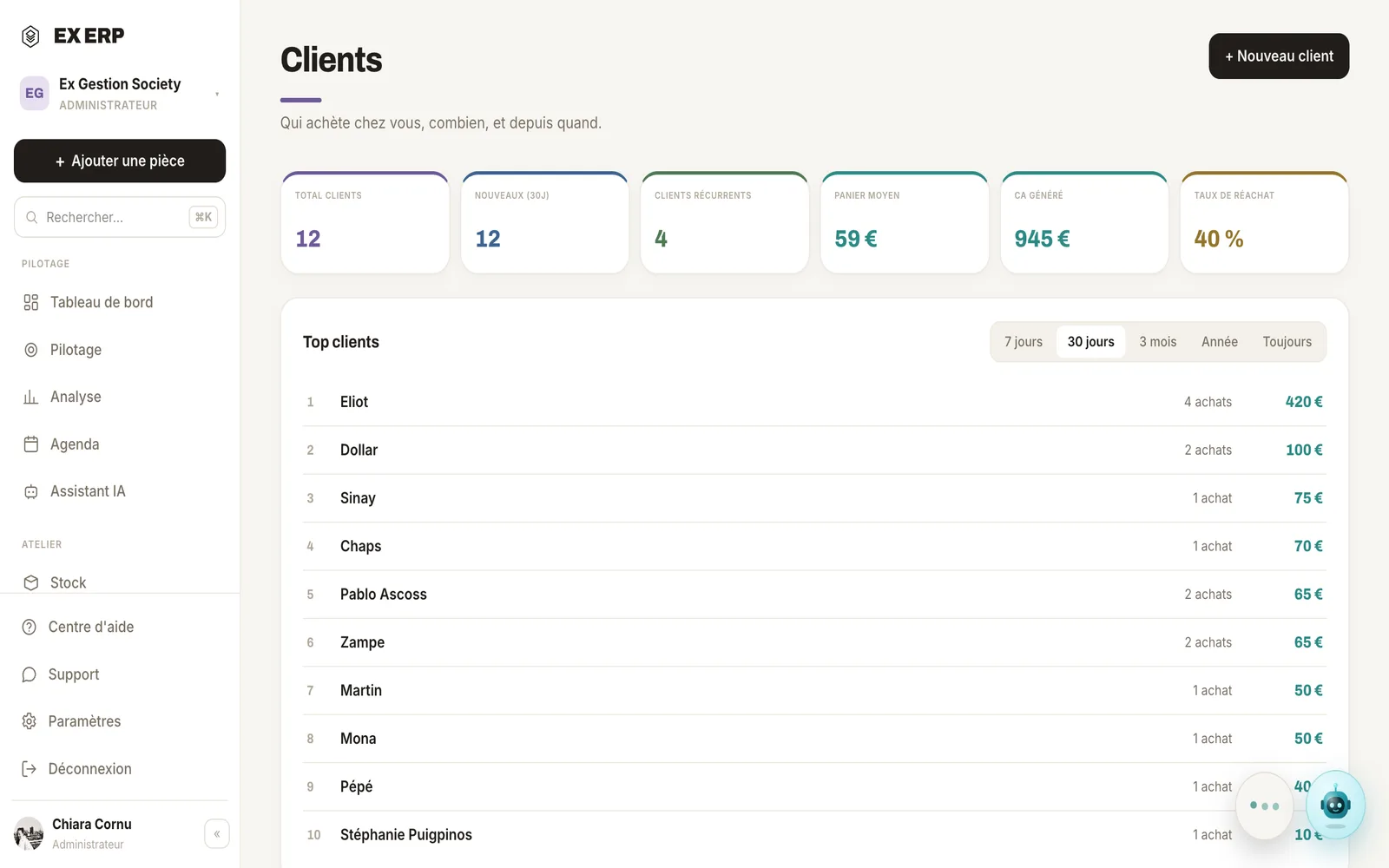
What each block is for
1
Automatic matching
The email or phone entered at the sale finds or creates the right customer.
Why
So you never have to recreate a record by hand after every sale.
When to use it
On every sale, as soon as an email or phone number is entered.
Best practice · Without an email or phone, a name alone never merges two different people.
2
Segment
New, Active, Loyal, VIP or Inactive, computed from the real history.
Why
Spot at a glance who to reach out to or take care of.
When to use it
To prioritize a follow-up or a targeted offer.
Best practice · Filter directly on "No purchase in 6 months" to reach out.
3
Purchase history
Every purchase a customer made, linked to the real product record.
Why
See what someone already bought before suggesting something else.
When to use it
Before a sales contact or a support reply.
Best practice · Click a purchased item to reopen its full product record.
Related topics