Full guide
Sales
Track revenue and margin.
Real screenshot
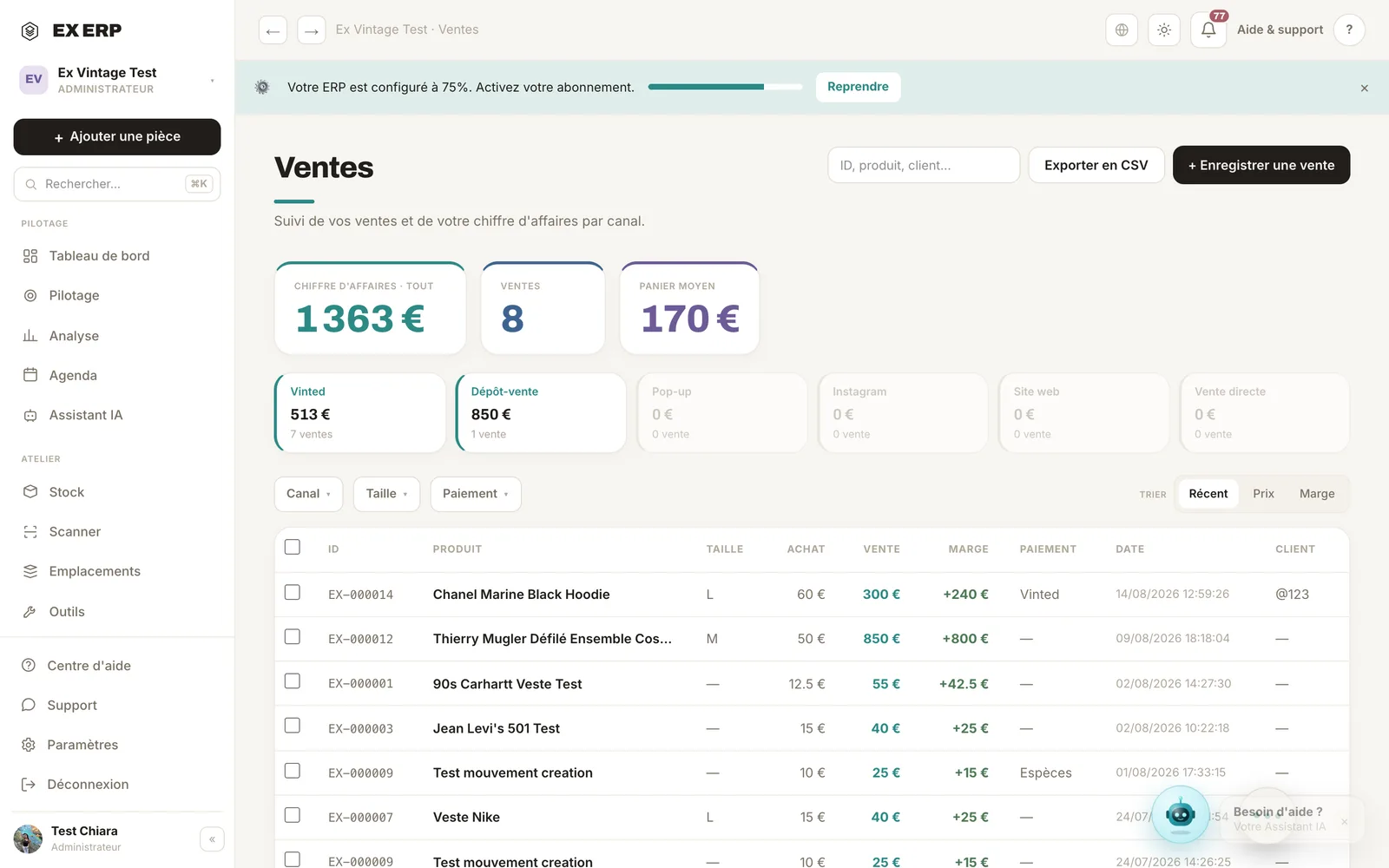
What each block is for
1
Revenue
Total revenue recalculated based on your filters, in turquoise.
Why
To measure performance for a period or a channel.
When to use it
At the close of a day, a week, a channel.
Best practice · Filter by channel to compare Vinted, Instagram, pop-up.
2
Filter by channel
Isolate sales from a specific channel.
Why
Each channel has its own profitability; comparing them helps you invest in the right place.
When to use it
For a per-channel review.
Best practice · Cross-reference with Channel Analytics for margin.
3
Sale row
Item sold, price, and profit made item by item.
Why
Profit (sale − purchase) is the real measure, not just revenue.
When to use it
To check the margin on a sale.
Best practice · Click the row for the full detail.
Related topics