Full guide
Calendar
Organize your activity.
Real screenshot
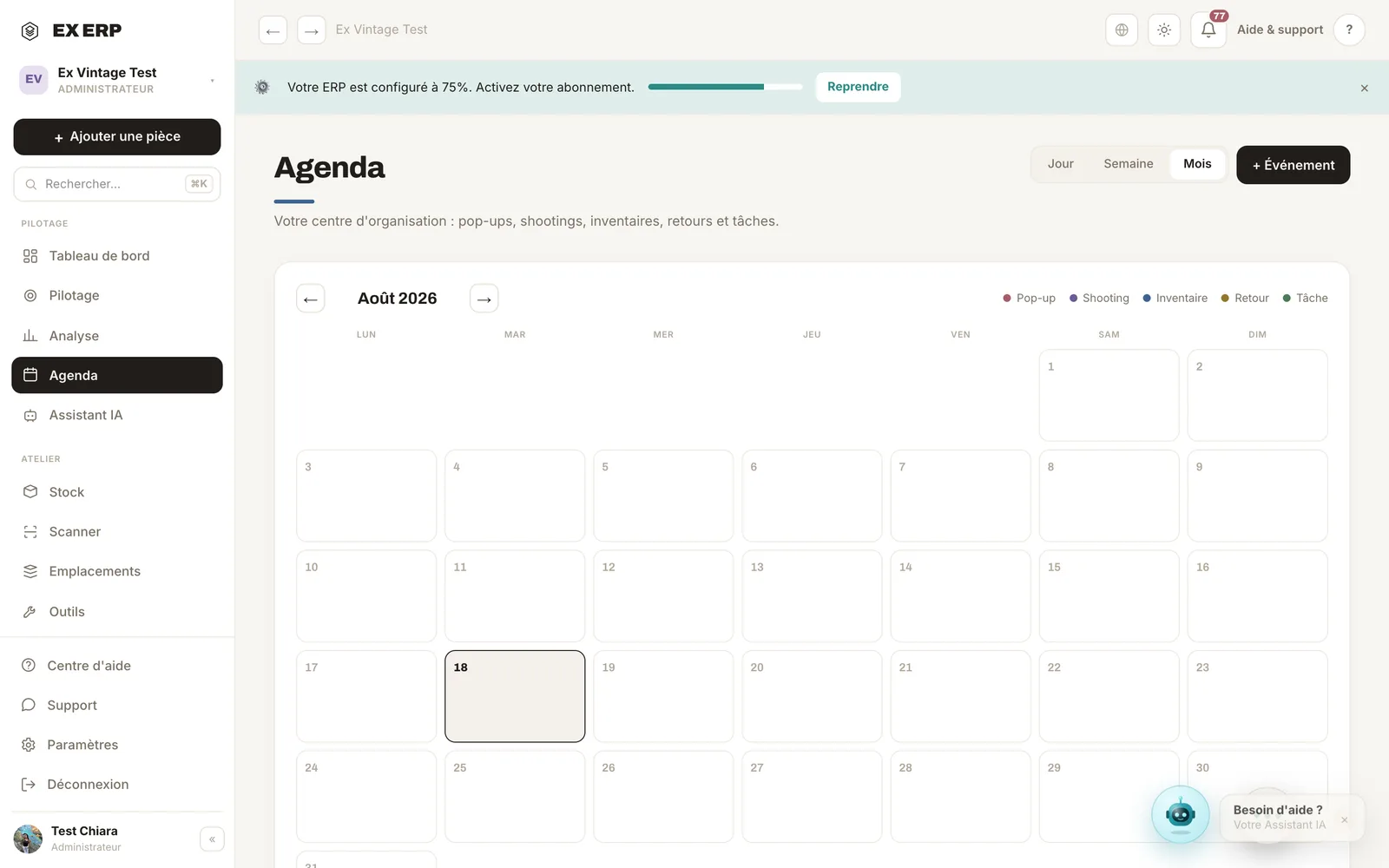
What each block is for
1
Monthly grid
A uniform calendar view of the month.
Why
To visualize upcoming pop-ups, photoshoots and inventories.
When to use it
During weekly planning.
Best practice · A colored dot = an event; click the day to add one.
2
Day detail
A day's events, with quick add.
Why
Keep logistics in the same place as stock.
When to use it
To prepare for a pop-up or an appointment.
Best practice · Link a location to the event to prep the inventory.
3
Tasks & priorities
A self-managed task list with priorities.
Why
Never forget day-to-day actions.
When to use it
Throughout the week.
Best practice · Archive finished tasks to keep the list clear.
Related topics