Full guide
Locations
Locate every item.
Real screenshot
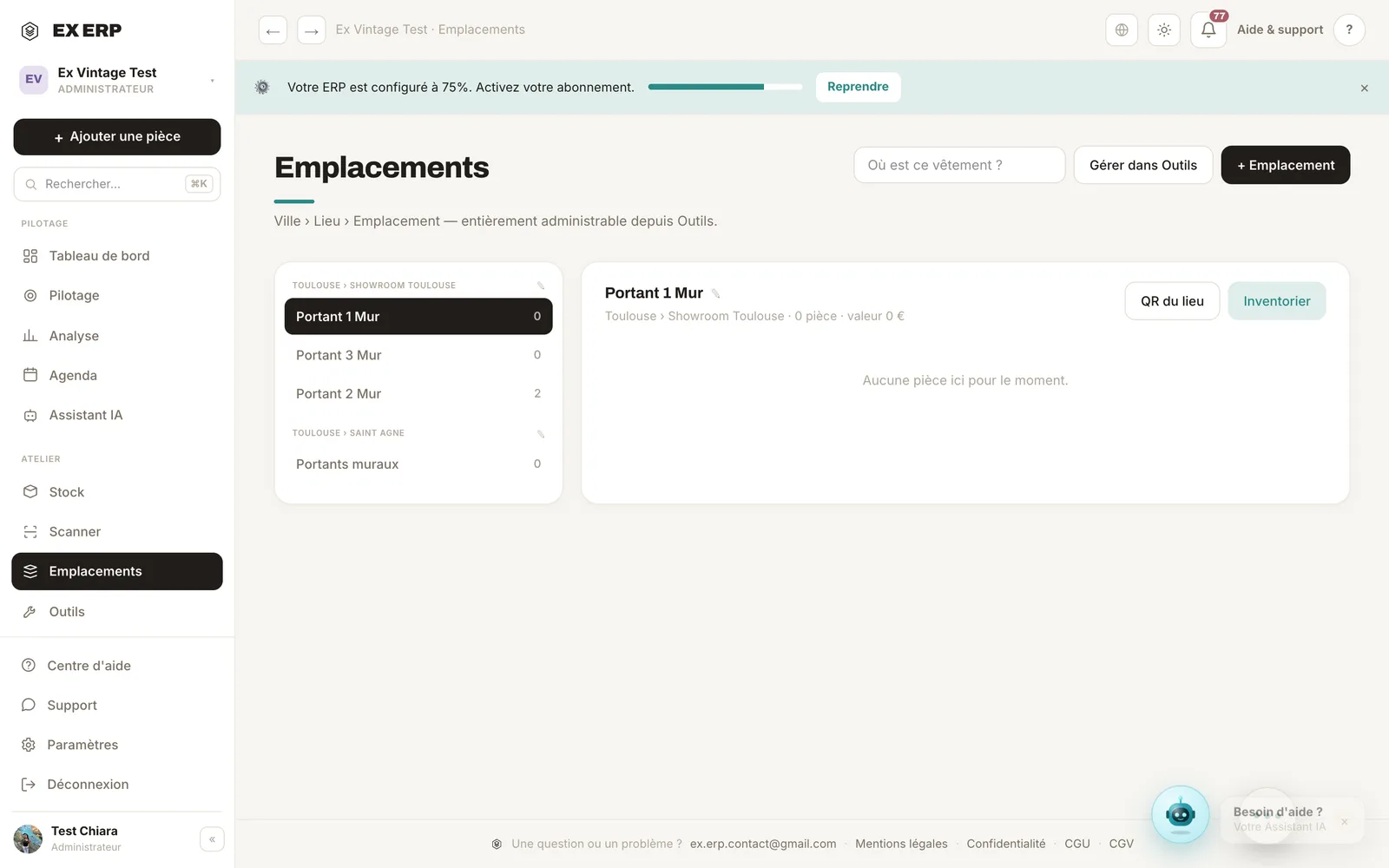
What each block is for
1
City › Place › Location tree
The storage hierarchy for your stock.
Why
Structure it to find items instantly.
When to use it
When setting up consignments and racks.
Best practice · Name things clearly (Rack 1, Bin A) so scanning is unambiguous.
2
Where is this item?
A search that points to an item's exact rack/bin.
Why
Zero lost items, zero wasted time.
When to use it
Before shipping or setting up a pop-up.
Best practice · Type the ID or name to locate it directly.
3
Location QR & inventory
Every location has its own QR code; built-in inventory mode.
Why
Take inventory of a rack in a few scans.
When to use it
During regular stock checks.
Best practice · Scan the location's QR to list what it should contain.
Related topics