Full guide
Scanner
The scanner as your workshop remote.
Real screenshot
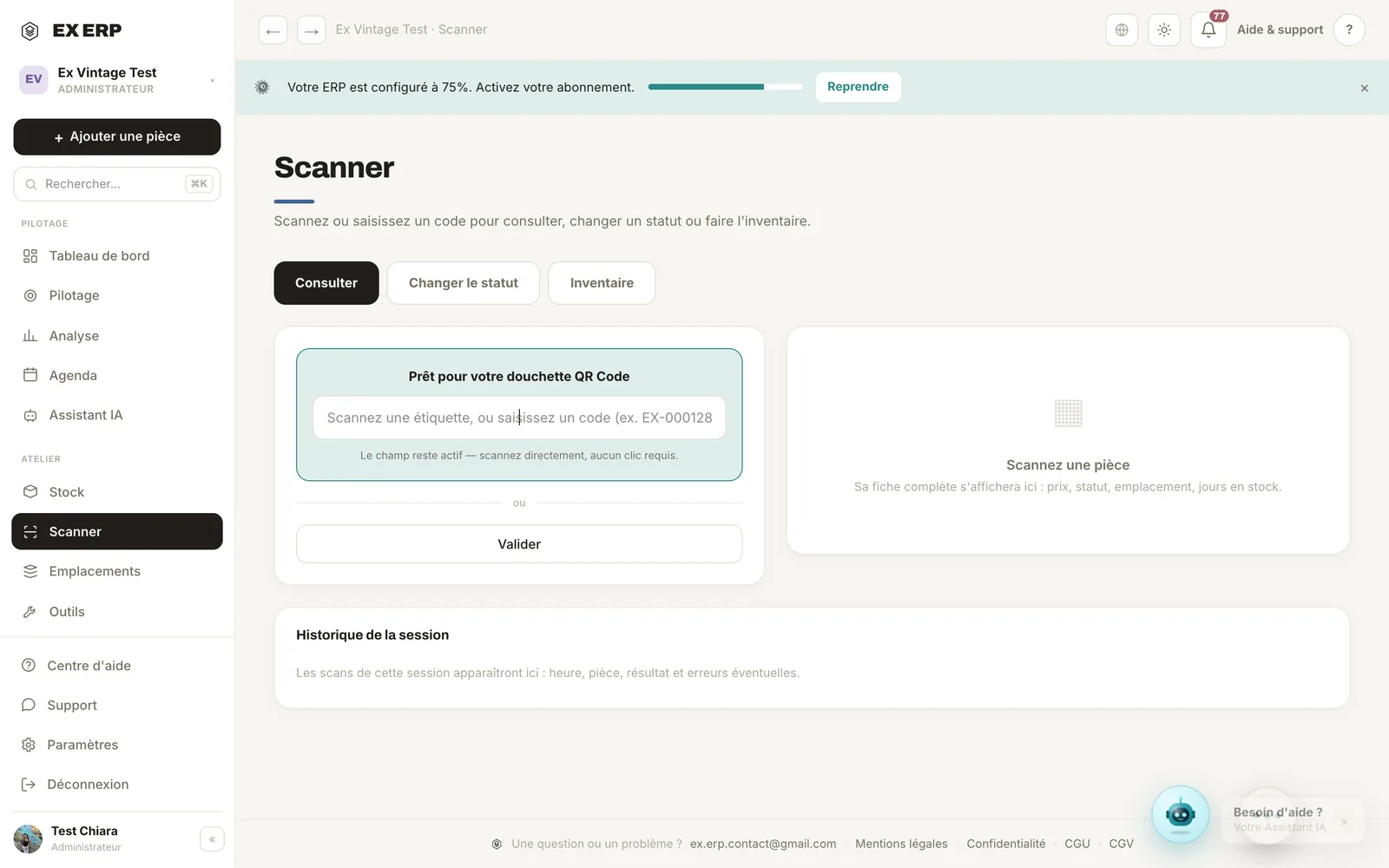
What each block is for
1
Scan viewfinder
Aim at an item's barcode or a location's QR code.
Why
The scanner becomes a remote control: faster than a search.
When to use it
In the workshop, phone in hand.
Best practice · Good lighting = instant scan.
2
Modes (look up / change status / inventory)
Choose the action triggered by the scan.
Why
One gesture, several uses depending on context.
When to use it
Depending on whether you're storing, checking or counting.
Best practice · In inventory mode, the summary lists items found and missing.
Related topics