Full guide
Tools
Fully customize the ERP.
Real screenshot
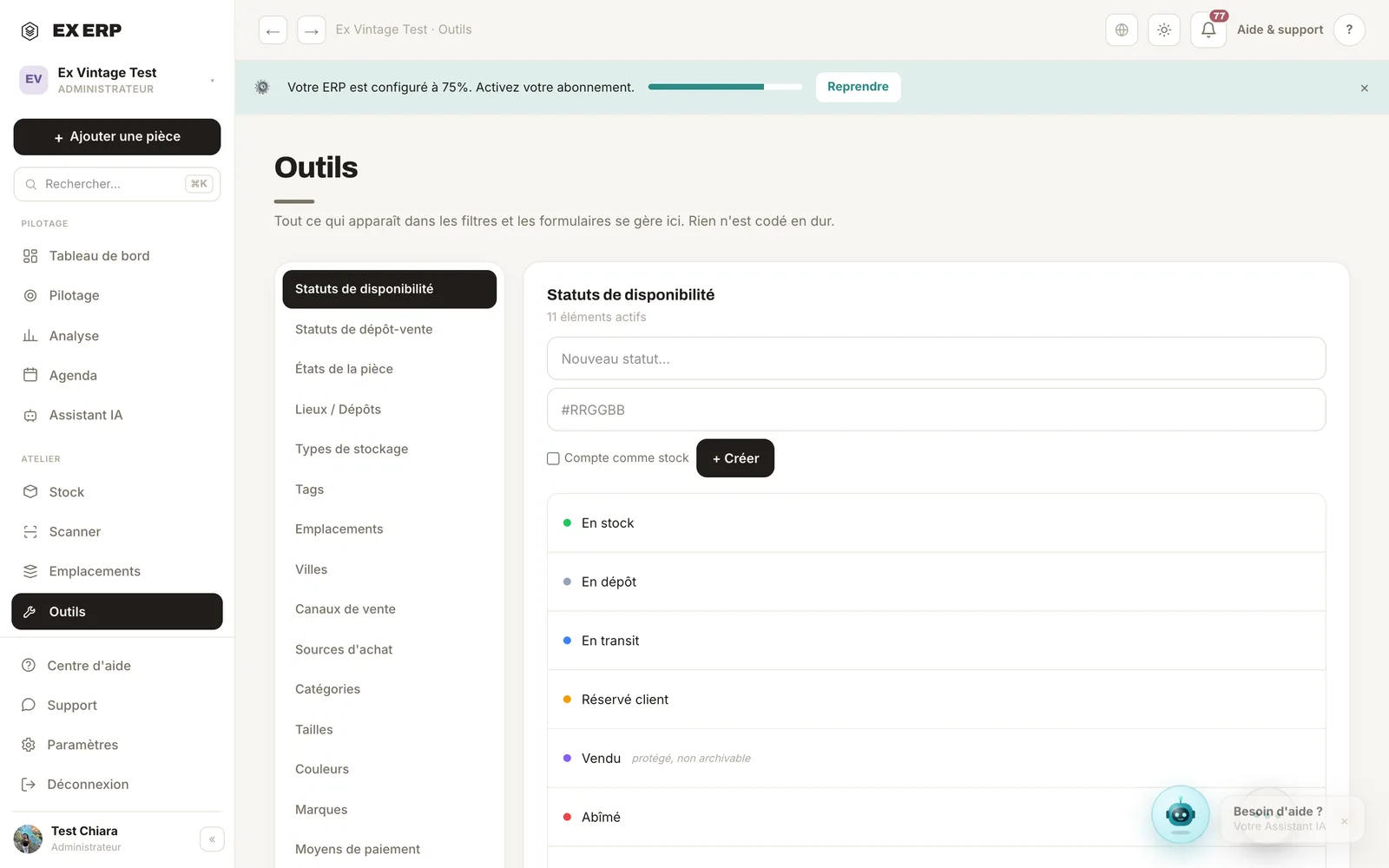
What each block is for
1
Setting categories
Statuses, tags, cities, places, locations, channels, sources.
Why
The whole ERP adapts to your business vocabulary.
When to use it
During setup and whenever a need arises.
Best practice · Prepare your reference data before a big import.
2
Configurable values
Create, rename, archive, delete each value.
Why
Nothing is fixed: the ERP adapts to your stock, not the other way around.
When to use it
As your business evolves.
Best practice · Archive instead of deleting to keep the history.
Related topics