Full guide
Consignment
Track every consignment, incoming or outgoing.
Real screenshot
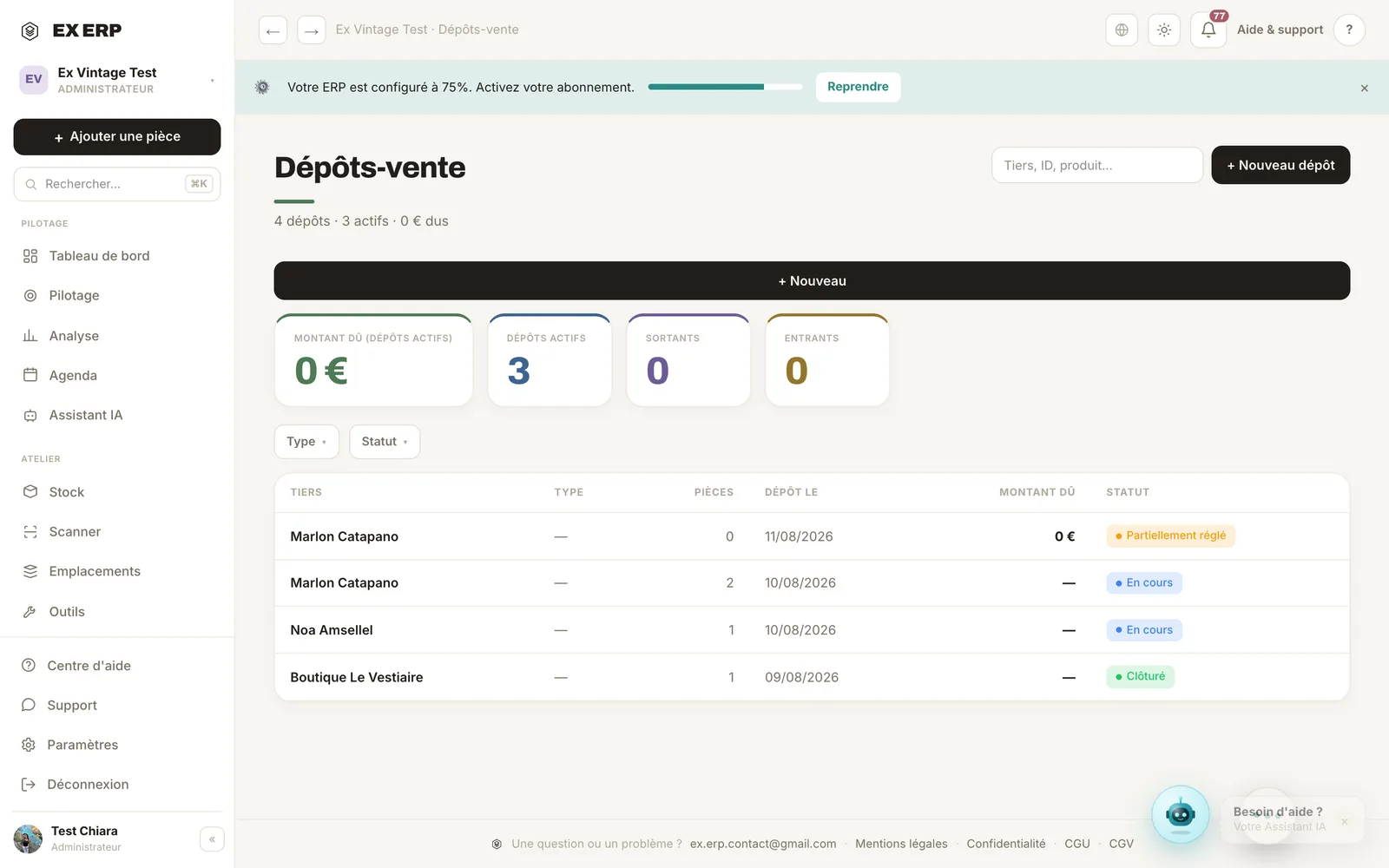
What each block is for
1
Consignment type (incoming / outgoing)
Incoming: an individual drops off items with you. Outgoing: you drop off your items with a partner.
Why
Two different business realities, each with its own contacts and tracking.
When to use it
Right when the consignment is created — the choice is required and stays visible on the whole record.
Best practice · The type never changes after creation — to fix a mistake, create a new consignment.
2
Depositor record
Name, contact and email of the third party, with the items entrusted.
Why
Centralize who deposited what, so nothing gets lost.
When to use it
For every new consignment.
Best practice · Add the email to send an automatic summary for every item added.
3
Progress statuses
A stepper tracks the consignment from its first status to closure.
Why
Know at a glance where every consignment stands, without opening each item.
When to use it
At every step reached (received, in consignment, sold, returned…).
Best practice · Marking an item sold from the consignment creates a real sale and updates the amount owed/settled automatically.
Related topics